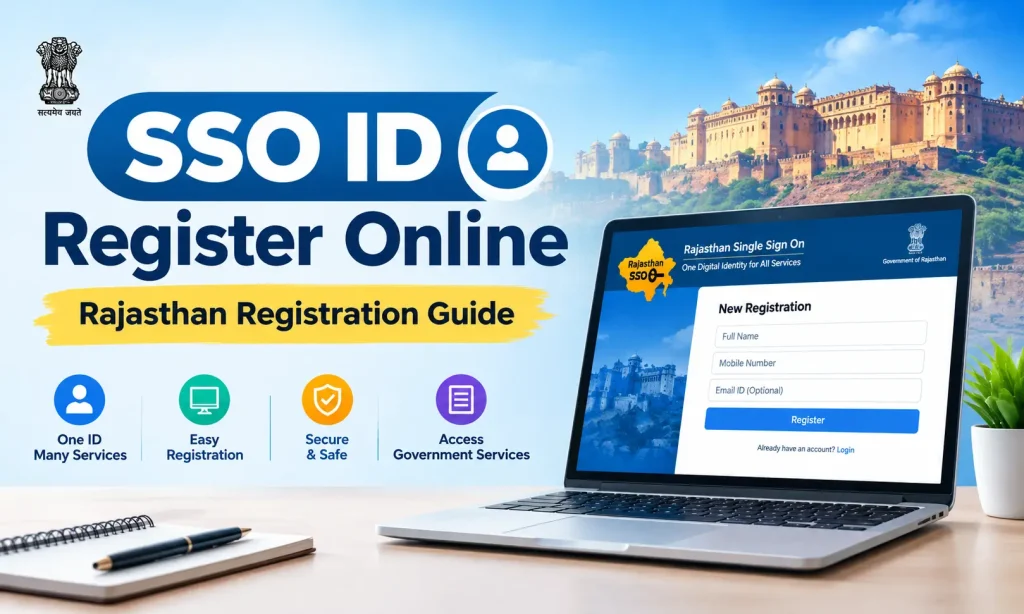
SSO ID Register Online | Rajasthan Registration Guide
SSO ID Registration is the process of creating your digital identity on RajSSO portal. It allows eligible people to access supported all Rajasthan government services using one SSO ID and password. If you already have an account you can directly Login to your sso account.
If you do not have an SSO ID, you need to register it online through the official portal. This registration process depends on whether you are a citizen, a business owner, or a Rajasthan government employee.
What Is SSO ID Registration?
SSO ID registration is the process of creating your Digital Identity on the Rajasthan Single Sign-On portal. Once your account is created, you can use the same login details to access supported government applications and services.
This portal offers different registration method based on your type. You should select the correct category and provide the information requested by the official website.
How to Register for an SSO ID in Rajasthan
Follow these steps to create your new SSO ID.
Step 1: Open the Official SSO Portal
Visit sso.rajasthan.gov.in/register using your browser. Check the website address before entering any personal information.
Step 2: Select Your Registration Category
Choose the registration category.
Follow the options that show on the registration page.
Step 3: Choose a Registration Method
Select an available identification method. Citizen registration may offer options such as Jan Aadhaar or Google, while government employees may need their SIPF details.
Step 4: Enter the Required Information
Enter the required details and make sure they match your official records.
Step 5: Complete Verification
Verify your details using the OTP sent to your registered mobile number, if required. Keep your OTP and login credentials private and do not share with anyone.
Step 6: Complete Your Registration
Complete the remaining steps to create your SSO ID. Save your login details and use them to sign in to the official SSO portal.
SSO ID Registration for Different Users
The registration process depends on your user category.
Citizen Registration
Udyog Registration
Government Employee Registration
Is SSO ID Registration Free?
Creating an SSO ID is free. However, some government services through the portal have separate charges or application fees. Always check the fee details for the specific service you want to use.
Common Registration Problems
You may face a problem while creating your account. These steps can help you understand what to check.
If the problem continues, use the official portal’s available help and support options.
Important Tips Before Registration
Final Words
SSO ID registration helps you access Rajasthan government services with one digital ID. Choose your registration category, enter the required details, and complete the verification process on the official portal. Our website provides information only and is not affiliated with the Rajasthan government. Always use the official RajSSO portal to create or manage your account.